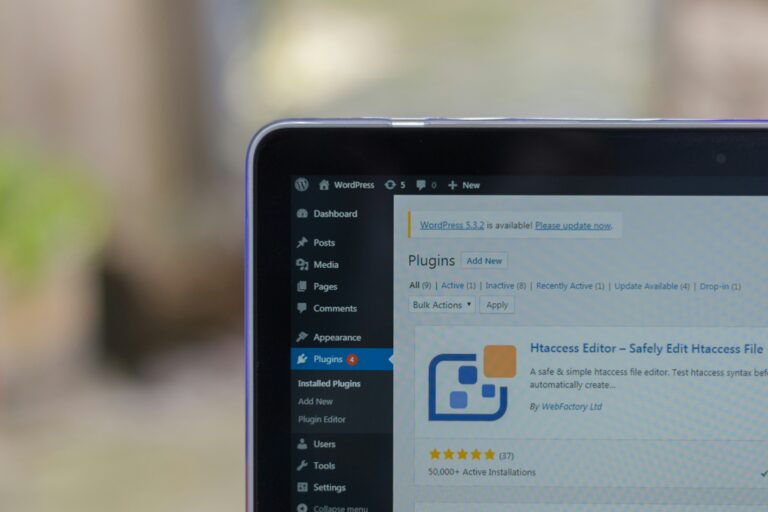
Many people face this issue.
Someone created the website, now you open WordPress and…
👉 You don’t know where homepage is coming from
You try to edit pages, but nothing changes.
Don’t worry. This is very common.
-> First understand how WordPress homepage works
WordPress has 2 ways to show homepage:
- Latest blog posts
- A static page (custom page)
So first you need to check which one your site is using.
-> Method 1: Check from Settings (Most Important)
Go to:
👉 Dashboard → Settings → Reading
Here you will see:
- “Your homepage displays”
Now check:
-> If “A static page” is selected
You will see something like:
- Homepage: Sample Page
👉 This is your homepage
Now go to:
👉 Pages → All Pages
👉 Find that page
👉 Click Edit
Done. Now you can edit homepage.
-> If “Your latest posts” is selected
Then homepage is not a page.
👉 It is controlled by theme files
Usually:
- index.php
- home.php
- front-page.php
In this case, you need to edit theme.
-> What if no static page is set?
Then mostly your theme is controlling homepage.
Some themes (like Shiny theme) use:
- Custom homepage builder
- Theme options panel
👉 So check:
- Appearance → Customize
- Theme Options (if available)
-> Method 2: Find exact template file (Advanced)
If you want to know exactly which file is used:
Create a file:
<?php
add_action('wp_head', 'show_template');function show_template() {
    global $template;
    print_r($template);
}
?>
Now include it in your functions.php:
require_once('wordpress_debug_template_file.php');👉 Now open your site
👉 You will see file path on top
Example:
/wp-content/themes/your-theme/front-page.php
This tells you which file is controlling homepage.
-> Method 3: Get front page using code
You can also check using code:
$front_page = get_page(get_option('page_on_front'));
echo $front_page->post_title;
-> Change homepage using code
Using Page ID:
update_option('page_on_front', 6);Using Page Title:
update_option('page_on_front', get_page_by_title('Home'));-> Simple way (best for beginners)
If you are not technical:
👉 Just go to Settings → Reading
👉 Select a page as homepage
👉 Edit that page
This is easiest method.
-> Common mistake
Many people:
- Edit wrong page
- Check Posts instead of Pages
- Forget about theme templates
So always check settings first.
-> Final words
If you can’t find homepage:
- Check Reading Settings
- Check Pages
- Check Theme options
- Debug template file (if needed)
After this, you will 100% find it.