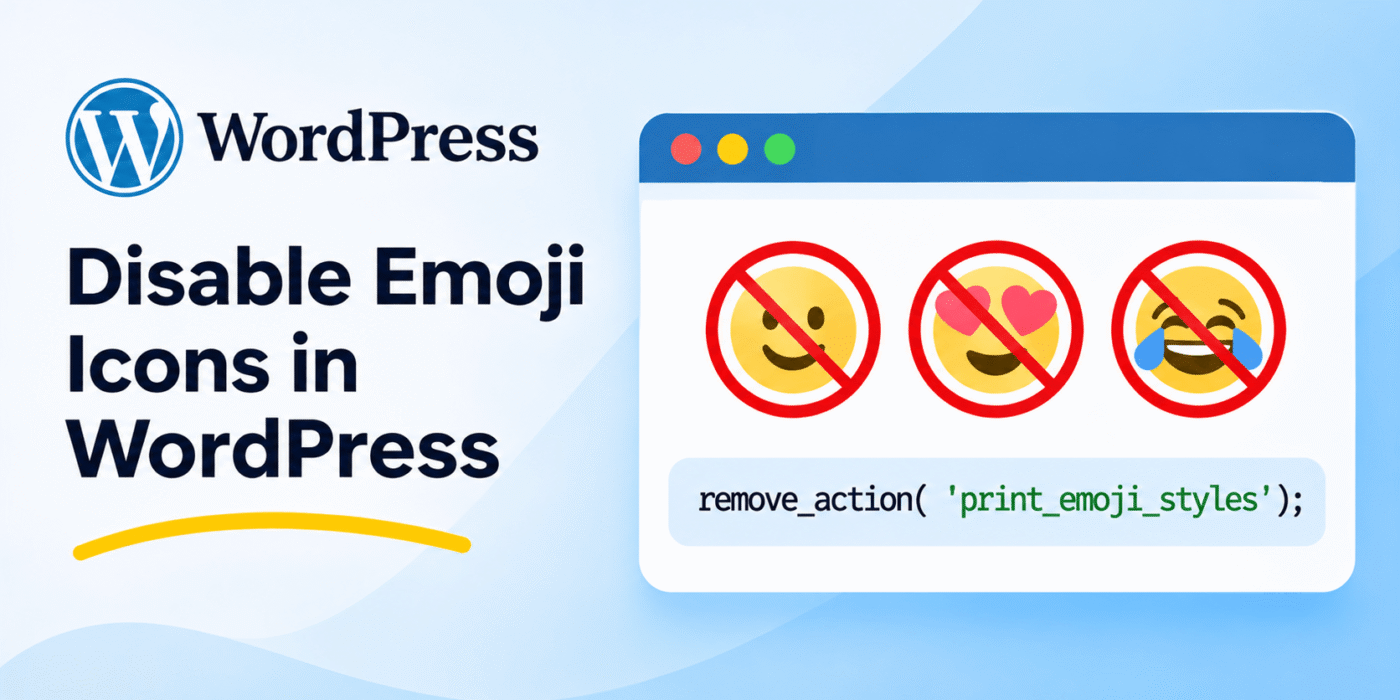
WordPress includes built-in emoji support that allows visitors and content editors to use emoji characters in posts, comments, and other areas of a website.
Although emojis can make content more expressive, some website owners prefer to disable the additional emoji scripts and styles loaded by WordPress. This can help reduce unnecessary frontend assets and keep the website’s output simpler.
You do not need an additional plugin to disable WordPress emoji support. You can remove the related actions and filters using a small PHP snippet.
1. Disable WordPress Emoji Scripts and Styles
WordPress uses several actions and filters to load emoji-related scripts, styles, and email content. You can remove these callbacks to disable the default emoji functionality.
Add the following code to your child theme’s functions.php file or a custom plugin:
<?php

function geekerhub_disable_wp_emojis() {

    // Remove emoji detection scripts.
    remove_action(
        'wp_head',
        'print_emoji_detection_script',
        7
    );

    remove_action(
        'admin_print_scripts',
        'print_emoji_detection_script'
    );

    // Remove emoji styles.
    remove_action(
        'admin_print_styles',
        'print_emoji_styles'
    );

    remove_action(
        'wp_print_styles',
        'print_emoji_styles'
    );

    // Remove emoji conversion from emails and feeds.
    remove_filter(
        'wp_mail',
        'wp_staticize_emoji_for_email'
    );

    remove_filter(
        'the_content_feed',
        'wp_staticize_emoji'
    );

    remove_filter(
        'comment_text_rss',
        'wp_staticize_emoji'
    );

    // Remove the TinyMCE emoji plugin.
    add_filter(
        'tiny_mce_plugins',
        'geekerhub_disable_emojis_tinymce'
    );
}

add_action(
    'init',
    'geekerhub_disable_wp_emojis'
);

function geekerhub_disable_emojis_tinymce( $plugins ) {

    if ( ! is_array( $plugins ) ) {
        return array();
    }

    return array_diff( $plugins, array( 'wpemoji' ) );
}
This code removes the default emoji detection script from the frontend and administration area, removes emoji styles, and prevents WordPress from converting emoji characters in emails and feeds.
It also removes the wpemoji plugin from the TinyMCE editor. The callback name used in the filter matches the function defined below it.
2. Disable the WordPress Emoji SVG URL
WordPress also provides the emoji_svg_url filter, which controls the URL used for its emoji SVG images.
If you also want to disable this SVG URL, add the following line to your custom plugin or theme code:
add_filter('emoji_svg_url', '__return_false');
This prevents WordPress from using its configured emoji SVG URL. It is an additional step alongside removing the emoji scripts and styles.
You can learn more about the available TinyMCE customization options in our guide on adding custom CSS styles to the TinyMCE editor.
3. Use a Plugin to Disable Emojis
If you do not want to add custom PHP code, you can use a plugin to disable WordPress emoji functionality.
One available option is the Disable Emojis plugin. It provides an alternative to adding the code manually.
Important Things to Consider
- Emoji characters can still appear: Removing WordPress’s emoji scripts does not prevent visitors from entering emoji characters. Modern browsers and operating systems can display many emojis natively.
- Test the editor: Check the Classic Editor and other content areas after removing the TinyMCE emoji plugin.
- Check your theme and plugins: Other plugins or themes may load their own emoji-related assets.
- Use a child theme or custom plugin: Avoid placing custom code directly in a parent theme because theme updates can overwrite your changes.
- Clear your cache: Clear WordPress, server, and CDN caches before checking the updated page source.
Conclusion
You can disable the default WordPress emoji functionality without installing a plugin. By removing the emoji-related actions and filters, you can stop WordPress from loading its default emoji detection scripts and styles.
You can also disable the emoji SVG URL using the emoji_svg_url filter. Test your website after applying these changes to make sure the editor, frontend, and other plugins continue to work as expected.