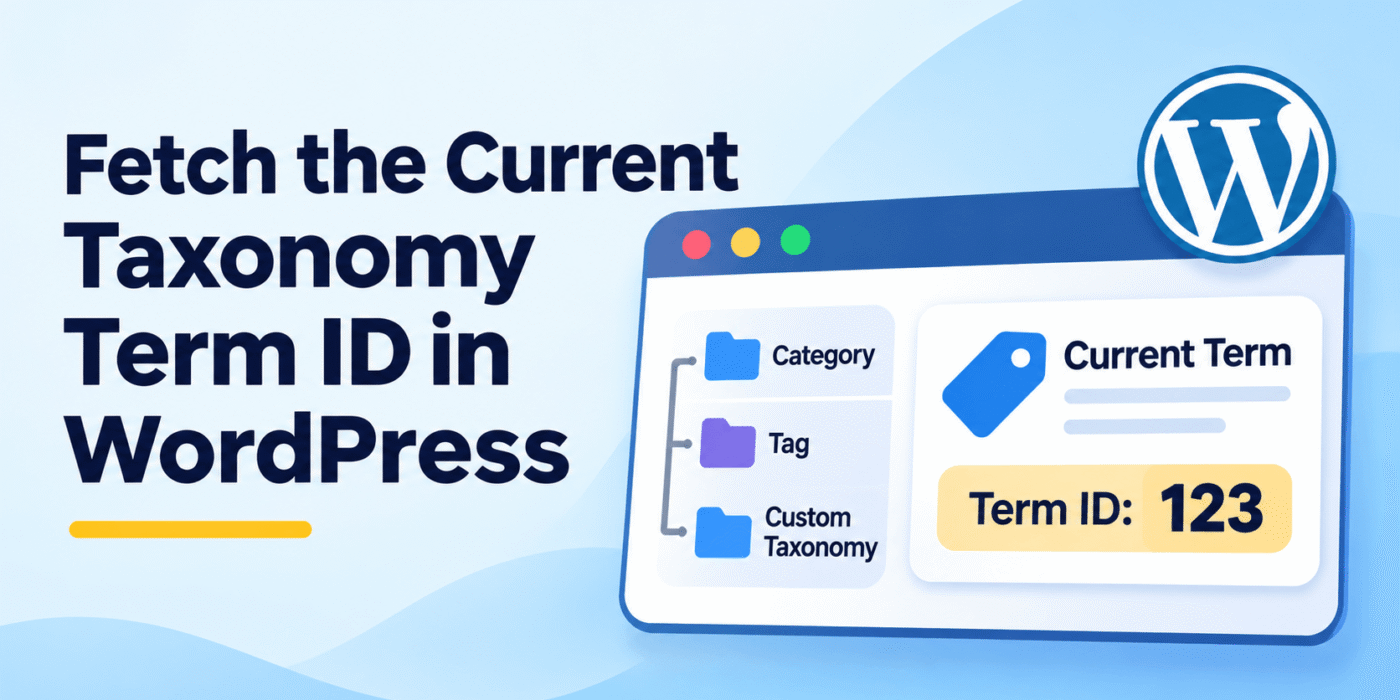
When working with custom taxonomies in WordPress, you may need to retrieve the ID of the currently queried term. This is useful when displaying term-specific content, fetching related posts, building custom taxonomy templates, or applying conditional logic based on a taxonomy term.
One common mistake is using get_query_var() when you actually need the term ID. The taxonomy query variables identify the taxonomy and term slug, but they do not directly return the term ID.
WordPress provides a simple function called get_queried_object() that makes it easy to access the current taxonomy term object and its properties.
1. Get the Current Taxonomy Term ID
If you are working inside a taxonomy archive template, such as taxonomy.php or a taxonomy-specific template, you can use get_queried_object() to retrieve the current queried term.
Use the following code:
$term = get_queried_object();

if ( $term instanceof WP_Term ) {
    echo $term->term_id;
}
The get_queried_object() function returns the queried object. On a taxonomy archive page, this object is normally a WP_Term instance.
You can access different properties of the term, including:
term_id: The ID of the taxonomy term.name: The term name.slug: The term slug.taxonomy: The taxonomy name.description: The term description.
2. Get the Current Taxonomy Term Name and Description
You can use the same queried term object to retrieve the current term name and description.
$term = get_queried_object();

if ( $term instanceof WP_Term ) {

    echo esc_html( $term->name );

    echo '<br>';

    echo esc_html( $term->description );
}
This example checks that the queried object is a taxonomy term before accessing its properties. The output is also escaped before being displayed.
3. Get the Current Term ID Using get_queried_object_id()
WordPress also provides the get_queried_object_id() function. It returns the ID of the currently queried object.
On a taxonomy archive page, it returns the current term ID:
$term_id = get_queried_object_id();

echo absint( $term_id );
This is a shorter option when you only need the ID and do not need other term properties.
4. Get All Terms Assigned to a WordPress Post
Sometimes you may need to retrieve taxonomy terms assigned to a particular post rather than the term currently being queried.
You can use the wp_get_post_terms() function for this purpose. It accepts a post ID, taxonomy name, and optional arguments.
$post_id = get_the_ID();
$taxonomy = 'your-taxonomy';

$terms = wp_get_post_terms(
    $post_id,
    $taxonomy,
    array(
        'orderby' => 'name',
        'order'   => 'ASC',
    )
);

if ( ! is_wp_error( $terms ) && ! empty( $terms ) ) {

    foreach ( $terms as $term ) {
        echo esc_html( $term->name );
        echo ' - ';
        echo absint( $term->term_id );
        echo '<br>';
    }
}
Replace your-taxonomy with the registered taxonomy name. This example retrieves all terms assigned to the current post and displays each term’s name and ID.
5. Get Taxonomy Terms Using get_the_terms()
Another option is the get_the_terms() function. It retrieves the terms assigned to a specific post for a particular taxonomy.
$post_id = get_the_ID();

$terms = get_the_terms(
    $post_id,
    'your-taxonomy'
);

if ( ! is_wp_error( $terms ) && ! empty( $terms ) ) {

    foreach ( $terms as $term ) {
        echo esc_html( $term->slug );
        echo ' - ';
        echo absint( $term->term_id );
        echo '<br>';
    }
}
If you only need the first assigned term, you can use reset() to retrieve it:
$terms = get_the_terms(
    get_the_ID(),
    'your-taxonomy'
);

if ( ! is_wp_error( $terms ) && ! empty( $terms ) ) {

    $term = reset( $terms );

    echo absint( $term->term_id );
    echo esc_html( $term->slug );
}
Keep in mind that a post can have more than one term assigned to the same taxonomy. If you need all assigned terms, use a loop instead of retrieving only the first one.
6. Difference Between get_query_var() and get_queried_object()
When working with taxonomy archive pages, it is important to understand the difference between these functions.
- get_query_var( ‘taxonomy’ ): Retrieves the taxonomy query variable, which identifies the taxonomy being queried.
- get_query_var( ‘term’ ): Retrieves the queried term slug in a standard taxonomy archive query.
- get_queried_object(): Returns the queried object. On a taxonomy archive, this is the current term object.
- get_queried_object_id(): Returns the ID of the queried object, which is the term ID on a taxonomy archive.
Therefore, if you need the current taxonomy term ID, use get_queried_object_id() or retrieve the term object with get_queried_object().
You can read more about these functions in the official WordPress documentation for get_queried_object(), get_queried_object_id(), and wp_get_post_terms().
Conclusion
Fetching the current taxonomy term ID in WordPress is simple once you know which function to use. The get_queried_object() function gives you access to the complete term object, while get_queried_object_id() returns the ID directly.
If you need terms assigned to a post, use get_the_terms() or wp_get_post_terms() instead. Choose the function based on whether you need the current archive term or the terms associated with an individual post.