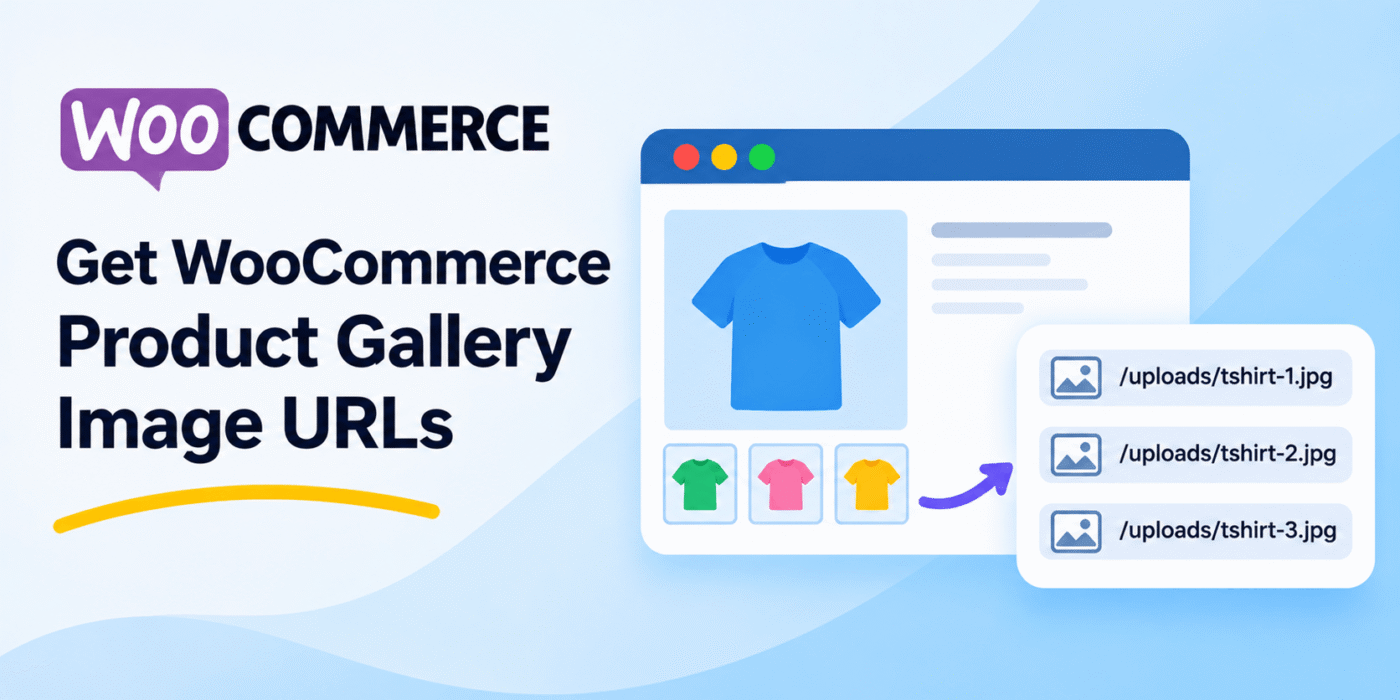
WooCommerce allows store owners to add multiple images to a product gallery. These images are displayed alongside the main product image on the single product page.
As a developer, you may sometimes need to retrieve the URLs of these gallery images for a custom layout, slider, image gallery, or other functionality.
WooCommerce provides product methods that allow you to retrieve gallery image attachment IDs. You can then use the WordPress wp_get_attachment_url() function to get the actual image URLs.
1. Get Product Gallery Image IDs
WooCommerce stores product gallery images as attachment IDs. You can retrieve these IDs using the get_gallery_image_ids() method.
On a single product template, you can access the current product through the global $product object.
<?php

global $product;

if ( $product ) {

    $gallery_image_ids = $product->get_gallery_image_ids();

    foreach ( $gallery_image_ids as $attachment_id ) {

        echo esc_html( $attachment_id );

    }
}

?>
This code retrieves the attachment IDs of all images added to the current product gallery.
2. Get WooCommerce Product Gallery Image URLs
Once you have the attachment IDs, use the WordPress wp_get_attachment_url() function to retrieve the image URLs.
Here is the complete code snippet:
<?php

global $product;

if ( $product ) {

    $gallery_image_ids = $product->get_gallery_image_ids();

    foreach ( $gallery_image_ids as $attachment_id ) {

        $image_url = wp_get_attachment_url( $attachment_id );

        if ( $image_url ) {
            echo esc_url( $image_url ) . '<br>';
        }
    }
}

?>
This code loops through all gallery image attachment IDs and prints their corresponding image URLs.
3. Display Product Gallery Images Instead of URLs
If you want to display the actual gallery images rather than just retrieving their URLs, you can use the WordPress wp_get_attachment_image() function.
<?php

global $product;

if ( $product ) {

    $gallery_image_ids = $product->get_gallery_image_ids();

    foreach ( $gallery_image_ids as $attachment_id ) {

        echo wp_get_attachment_image(
            $attachment_id,
            'medium',
            false,
            array(
                'class' => 'product-gallery-image'
            )
        );
    }
}

?>
This function generates the image HTML using the attachment ID and requested image size. WordPress also handles attributes such as the image source, alternative text, and responsive image information.
You can change medium to another registered image size, such as thumbnail, large, or full.
For more details, refer to the official WordPress documentation for wp_get_attachment_url() and wp_get_attachment_image().
4. Get Gallery Images Using a Product ID
If you are working outside the single product template, you may not have access to the global $product object. In that case, you can retrieve the product object using its ID.
<?php

$product_id = 123;

$product = wc_get_product( $product_id );

if ( $product ) {

    $gallery_image_ids = $product->get_gallery_image_ids();

    foreach ( $gallery_image_ids as $attachment_id ) {

        $image_url = wp_get_attachment_url( $attachment_id );

        if ( $image_url ) {
            echo esc_url( $image_url ) . '<br>';
        }
    }
}

?>
Replace 123 with the actual WooCommerce product ID. The wc_get_product() function returns the product object, which you can use to retrieve its gallery images.
Important Notes
- Use the correct method: Use
get_gallery_image_ids()to retrieve the product gallery attachment IDs. - Check the product object: Make sure the product exists before calling its methods.
- Check image URLs: The
wp_get_attachment_url()function can return false if the attachment URL cannot be retrieved. - Main image and gallery images are different: The product’s featured image is separate from its gallery images. Use
get_image_id()to retrieve the main product image attachment ID. - Choose the right image size: Use
wp_get_attachment_image()when you need WordPress to generate image HTML with responsive attributes. - Escape output: Use
esc_url()when printing image URLs in HTML.
Conclusion
You can easily retrieve WooCommerce product gallery image URLs using the get_gallery_image_ids() product method and WordPress’s wp_get_attachment_url() function.
If you want to display the images directly, use wp_get_attachment_image() instead. These methods are useful when creating custom product galleries, sliders, or layouts without installing an additional plugin.