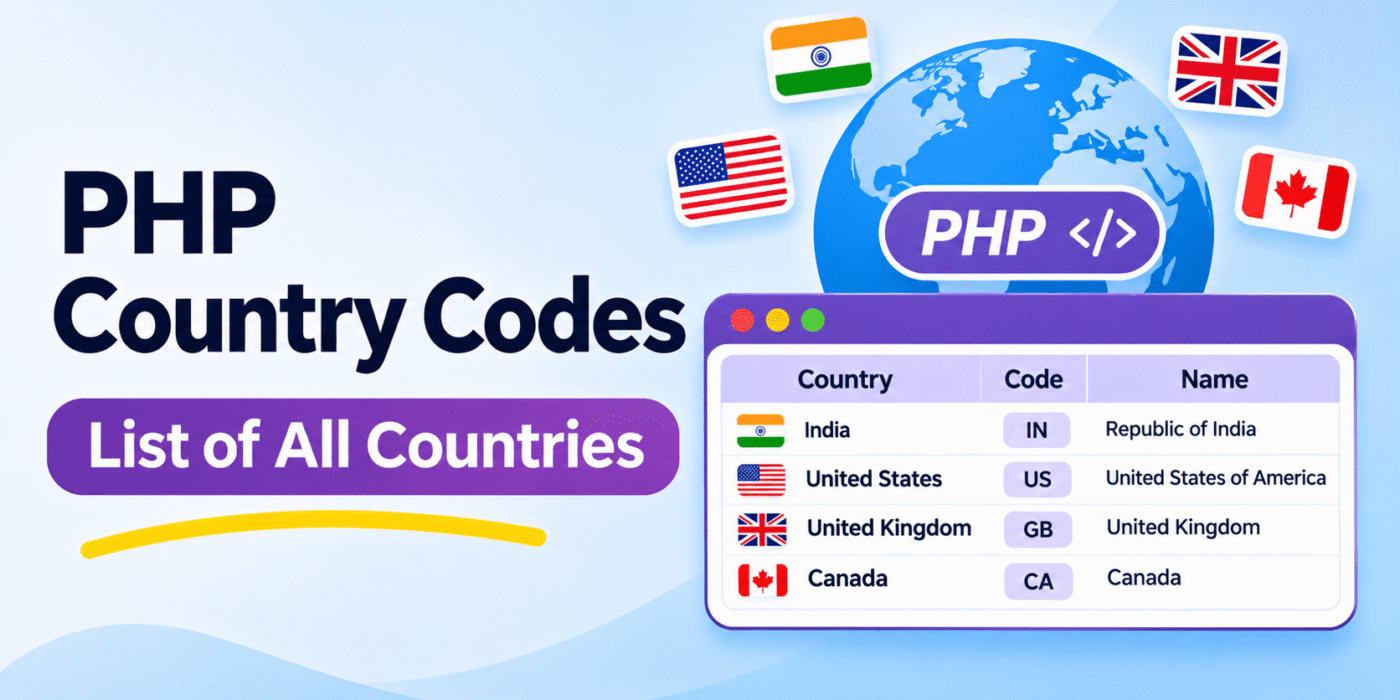
Country codes are commonly used in PHP applications to identify countries without storing their full names everywhere. For example, the country code US represents the United States, while IN represents India.
You can store country codes and country names in a PHP associative array, where the country code is the array key and the country name is its value. This makes it easy to retrieve a country name when you have its code.
This guide shows how to create and use a PHP country array. It also explains how to retrieve the country list directly from WooCommerce if you are developing a WooCommerce store.
1. Create a PHP Array of Country Codes and Names
You can create an associative array containing two-letter country codes and their corresponding country names. Here is a sample:
$country_array = array(
    "AF" => "Afghanistan",
    "AL" => "Albania",
    "DZ" => "Algeria",
    "AR" => "Argentina",
    "AU" => "Australia",
    "AT" => "Austria",
    "BD" => "Bangladesh",
    "BE" => "Belgium",
    "BR" => "Brazil",
    "CA" => "Canada",
    "CN" => "China",
    "CO" => "Colombia",
    "DK" => "Denmark",
    "EG" => "Egypt",
    "FI" => "Finland",
    "FR" => "France",
    "DE" => "Germany",
    "GR" => "Greece",
    "IN" => "India",
    "ID" => "Indonesia",
    "IE" => "Ireland",
    "IT" => "Italy",
    "JP" => "Japan",
    "MY" => "Malaysia",
    "MV" => "Maldives",
    "MX" => "Mexico",
    "NP" => "Nepal",
    "NL" => "Netherlands",
    "NZ" => "New Zealand",
    "PK" => "Pakistan",
    "PH" => "Philippines",
    "PT" => "Portugal",
    "RU" => "Russia",
    "SA" => "Saudi Arabia",
    "SG" => "Singapore",
    "ZA" => "South Africa",
    "KR" => "South Korea",
    "ES" => "Spain",
    "LK" => "Sri Lanka",
    "SE" => "Sweden",
    "CH" => "Switzerland",
    "TH" => "Thailand",
    "TR" => "Turkey",
    "AE" => "United Arab Emirates",
    "GB" => "United Kingdom",
    "US" => "United States",
    "VN" => "Vietnam"
);
This is a sample array, not a complete country database. You can add more entries depending on your application’s requirements.
2. Get a Country Name Using Its Country Code
Once you have created the associative array, you can retrieve a country name by using its country code as the array key.
$country_code = "IN";

if ( isset( $country_array[ $country_code ] ) ) {
    echo $country_array[ $country_code ];
} else {
    echo "Country not found";
}
The output for this example is:
India
3. Get a Country Code Using a Country Name
If you have a country name and need to find its corresponding code, you can use PHP’s array_search() function.
$country_name = "India";

$country_code = array_search(
    $country_name,
    $country_array,
    true
);

if ( false !== $country_code ) {
    echo $country_code;
} else {
    echo "Country code not found";
}
The output will be:
IN
The strict comparison in the example helps avoid treating a valid array key as a failed search.
4. Get the Country List Directly from WooCommerce
If you are working on a WooCommerce website, you do not need to maintain a separate country array manually. WooCommerce already provides a country list through its WC_Countries class.
Use the following code to retrieve the country codes and names:
$countries = new WC_Countries();

$country_array = $countries->get_countries();

print_r( $country_array );
The returned array uses country codes as keys and country names as values. The available countries follow the country configuration provided by WooCommerce.
You can also use this array to create a country dropdown:
$countries = new WC_Countries();

$country_array = $countries->get_countries();

echo '<select name="country">';

foreach ( $country_array as $code => $name ) {
    echo '<option value="' . esc_attr( $code ) . '">';
    echo esc_html( $name );
    echo '</option>';
}

echo '</select>';
This approach is useful when building WooCommerce checkout fields, shipping forms, or other country selection features. For example, country-based shipping rules can also be used when customizing methods such as automatically selecting the cheapest WooCommerce shipping method.
5. About the USPS Shipping Destination List
Some applications need country and region names that differ from the standard two-letter country-code list. For example, shipping services may use specific destination names for territories, islands, and regions.
The original version of this article included a separate array of names described as compliant with the USPS Shipping Rate Calculator. That list contains alternate names, regional destinations, and historical entries. It should not be treated as a current, authoritative list of countries or as a guaranteed list accepted by a live USPS shipping service.
If you need to use a shipping provider’s destination names, check the provider’s current documentation or API requirements and use the exact values it accepts. Do not assume that a country name in a general PHP array will be accepted by every shipping service.
Important Notes About Country Codes
- Use a consistent standard: Two-letter codes such as
IN,US, andGBare commonly used as ISO 3166-1 alpha-2 country codes. - Check your data source: Older country lists may contain obsolete codes, historical territories, or names that have changed.
- Use WooCommerce data when appropriate: If the code is for a WooCommerce store, retrieving the country list from
WC_Countrieshelps keep it aligned with WooCommerce settings. - Validate submitted values: When a customer submits a country code through a form, check that it exists in your allowed country list before using it.
- Escape output: Use functions such as
esc_html()andesc_attr()when displaying country names and codes in HTML.
Conclusion
You can use a PHP associative array to store country codes and their corresponding country names. Functions such as isset() and array_search() make it easy to retrieve a country name from a code or find a code from a country name.
For WooCommerce projects, consider using the built-in WC_Countries class instead of maintaining a static list. This is a more convenient option when you need the countries configured by WooCommerce for checkout and shipping features.