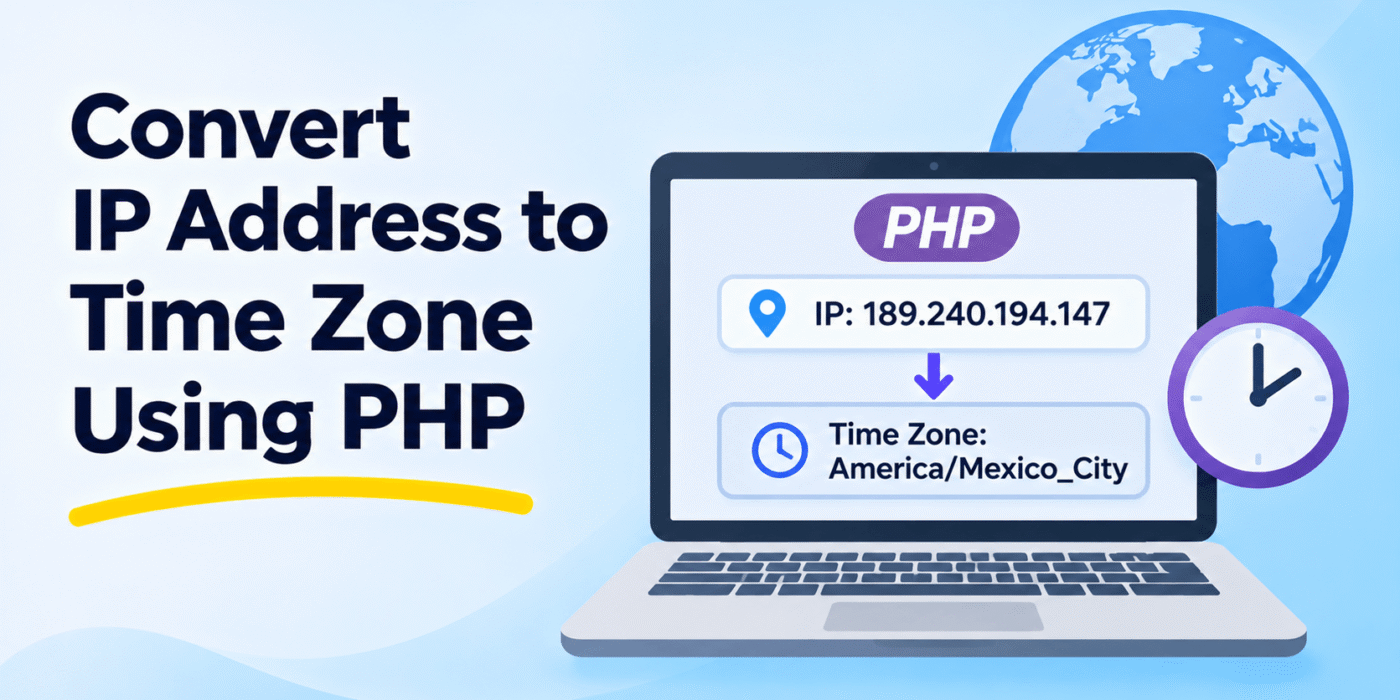
When users visit your website, you may want to display dates and times according to their local time zone instead of the server’s time zone. One way to estimate a visitor’s time zone is by using their IP address and an IP geolocation service.
PHP can retrieve an IP address, send it to a geolocation API, and use the returned time zone with PHP’s DateTime functions.
In this tutorial, we will explore how to get a time zone from an IP address using PHP, handle API responses, and display the local date and time. We will also look at a more accurate alternative using JavaScript when the visitor’s actual device time zone is available.
1. Understanding IP Address to Time Zone Conversion
An IP address can provide an approximate indication of a visitor’s geographic location. An IP geolocation service can use that information to return details such as:
- Country and country code
- Region or state
- City
- Latitude and longitude
- Time zone
PHP can then use the returned time zone identifier, such as America/Mexico_City or Asia/Kolkata, to format dates and times.
Important: IP-based time zone detection is an estimate. VPNs, proxies, mobile networks, corporate gateways, and inaccurate geolocation databases can cause the detected location to differ from the visitor’s actual location.
2. Get a Time Zone from an IP Address Using PHP
You can use an IP geolocation service such as IP-API to retrieve location information and a time zone identifier.
The following example uses PHP cURL to request information for an IP address and retrieve its time zone.
<?php

$ip = '189.240.194.147';

$apiUrl = 'http://ip-api.com/json/' . rawurlencode( $ip )
    . '?fields=status,message,timezone';

$curl = curl_init( $apiUrl );

curl_setopt_array( $curl, array(
    CURLOPT_RETURNTRANSFER => true,
    CURLOPT_TIMEOUT        => 10,
) );

$response = curl_exec( $curl );

if ( $response === false ) {
    die( 'API request failed: ' . curl_error( $curl ) );
}

$httpCode = curl_getinfo( $curl, CURLINFO_HTTP_CODE );

curl_close( $curl );

if ( $httpCode !== 200 ) {
    die( 'Unable to retrieve location information.' );
}

$ipInfo = json_decode( $response, true );

if (
    ! is_array( $ipInfo ) ||
    ! isset( $ipInfo['status'] ) ||
    $ipInfo['status'] !== 'success' ||
    empty( $ipInfo['timezone'] )
) {
    die( 'Time zone information is unavailable.' );
}

$timezone = $ipInfo['timezone'];

// Validate the returned time zone identifier.
if ( ! in_array( $timezone, timezone_identifiers_list(), true ) ) {
    die( 'Invalid time zone returned by the API.' );
}

$date = new DateTime( 'now', new DateTimeZone( $timezone ) );

echo 'Time Zone: ' . htmlspecialchars( $timezone, ENT_QUOTES, 'UTF-8' );
echo '<br>';
echo 'Local Time: ' . $date->format( 'Y-m-d H:i:s' );

?>
In this example, PHP sends the IP address to the geolocation API. The API returns a JSON response containing the time zone. PHP validates the response and creates a DateTime object using the returned time zone.
The output will look similar to this, depending on the IP address and the time when the request is made:
Time Zone: America/Mexico_City
Local Time: 2026-11-04 03:34:09
The example uses a fixed IP address for demonstration. You can replace it with a visitor’s IP address when appropriate.
3. Get the Visitor’s IP Address in PHP
To use the current visitor’s IP address, PHP provides the REMOTE_ADDR server variable.
<?php

$ip = $_SERVER['REMOTE_ADDR'] ?? '';

if ( ! filter_var( $ip, FILTER_VALIDATE_IP ) ) {
    die( 'Unable to determine a valid visitor IP address.' );
}

echo 'Visitor IP: ' . htmlspecialchars( $ip, ENT_QUOTES, 'UTF-8' );

?>
This is generally the safest starting point because the web server provides the connection’s remote IP address.
If your website is behind a trusted reverse proxy or CDN, the visitor’s original IP may be available through a forwarded header. Only use such headers when your infrastructure is configured to set and validate them. Do not blindly trust HTTP_X_FORWARDED_FOR or similar headers because clients can potentially supply fake values.
4. Using the Detected Time Zone in PHP
Once you have a valid time zone identifier, you can use it to format dates and times.
For example:
<?php

$timezone = 'Asia/Kolkata';

$date = new DateTime( 'now', new DateTimeZone( $timezone ) );

echo $date->format( 'Y-m-d H:i:s' );

?>
You can also use date_default_timezone_set() if you want to change the default time zone for the current PHP script.
<?php

date_default_timezone_set( 'Asia/Kolkata' );

echo date( 'Y-m-d H:i:s' );

?>
However, using a DateTime object with an explicit DateTimeZone is often preferable because it avoids changing the default time zone for the rest of the script.
5. Alternative: Get the Visitor’s Actual Time Zone Using JavaScript
IP-based detection is useful when you only have a visitor’s IP address, but it cannot reliably identify the time zone configured on the visitor’s device.
If your goal is to display the visitor’s local time, JavaScript provides a simpler and generally more accurate option. The browser’s Internationalization API can return the device’s configured time zone.
const userTimeZone =
    Intl.DateTimeFormat().resolvedOptions().timeZone;

console.log('Visitor Time Zone:', userTimeZone);
For example, a visitor whose device is configured for Indian Standard Time may receive:
Asia/Kolkata
You can send this value to PHP when needed. For example, use an AJAX request to pass the time zone to a PHP endpoint.
Example: Send the Browser Time Zone to PHP
JavaScript:
const userTimeZone =
    Intl.DateTimeFormat().resolvedOptions().timeZone;

fetch('/save-timezone.php', {
    method: 'POST',
    headers: {
        'Content-Type': 'application/json'
    },
    body: JSON.stringify({
        timezone: userTimeZone
    })
})
.then(response => response.json())
.then(data => console.log(data))
.catch(error => console.error('Error:', error));
PHP (save-timezone.php):
<?php

header( 'Content-Type: application/json' );

$data = json_decode( file_get_contents( 'php://input' ), true );

$timezone = $data['timezone'] ?? '';

if (
    ! is_string( $timezone ) ||
    ! in_array( $timezone, timezone_identifiers_list(), true )
) {
    http_response_code( 400 );

    echo json_encode( array(
        'success' => false,
        'message' => 'Invalid time zone.'
    ) );

    exit;
}

$date = new DateTime( 'now', new DateTimeZone( $timezone ) );

echo json_encode( array(
    'success' => true,
    'timezone' => $timezone,
    'local_time' => $date->format( 'Y-m-d H:i:s' )
) );

?>
This example validates the submitted time zone before using it. If you store the value in a user profile or session, remember that a browser-provided time zone is user-controlled input and should not be treated as verified location information.
6. Understanding Daylight Saving Time
Some time zones observe daylight saving time (DST), while others use a fixed offset throughout the year.
When you use a valid IANA time zone identifier with PHP’s DateTimeZone class, PHP applies the relevant time zone rules from its installed time zone database. You do not need to manually calculate daylight saving offsets for each date.
For example:
<?php

$timezone = new DateTimeZone( 'America/New_York' );

$summer = new DateTime( '2026-07-15 12:00:00', $timezone );
$winter = new DateTime( '2026-01-15 12:00:00', $timezone );

echo 'Summer offset: ' . $summer->format( 'P' );
echo '<br>';
echo 'Winter offset: ' . $winter->format( 'P' );

?>
The offset can differ between the two dates because of daylight saving rules. Using the time zone identifier instead of storing a fixed UTC offset allows PHP to apply the appropriate rules for the requested date.
7. Important Considerations When Using IP Geolocation APIs
Before using an external geolocation service in your application, keep these points in mind:
- Check API limits: Free plans may have request limits or restrictions on commercial use. Review the provider’s current terms before integrating it.
- Use secure connections: Choose an HTTPS API endpoint when available and supported by your plan.
- Handle API errors: The service may be unavailable, return an error, or fail to identify the IP address.
- Cache results: Avoid making a geolocation request on every page load. Cache results where appropriate to reduce API usage.
- Respect privacy: IP addresses can be personal data under applicable privacy laws. Follow relevant privacy requirements and disclose third-party processing where necessary.
- Do not rely on IP location for security: IP geolocation is not a reliable method for verifying a person’s physical location or identity.
Conclusion
You can convert an IP address into an approximate time zone by using a geolocation API and PHP’s DateTimeZone class. The API provides a time zone identifier, and PHP uses it to display the corresponding local date and time.
If you need the time zone configured on the visitor’s device, JavaScript’s Intl.DateTimeFormat().resolvedOptions().timeZone is usually a better choice than IP-based detection.
Choose the approach that fits your application, validate all returned or submitted values, and handle API errors properly. This will help you display local times more reliably in your PHP application.