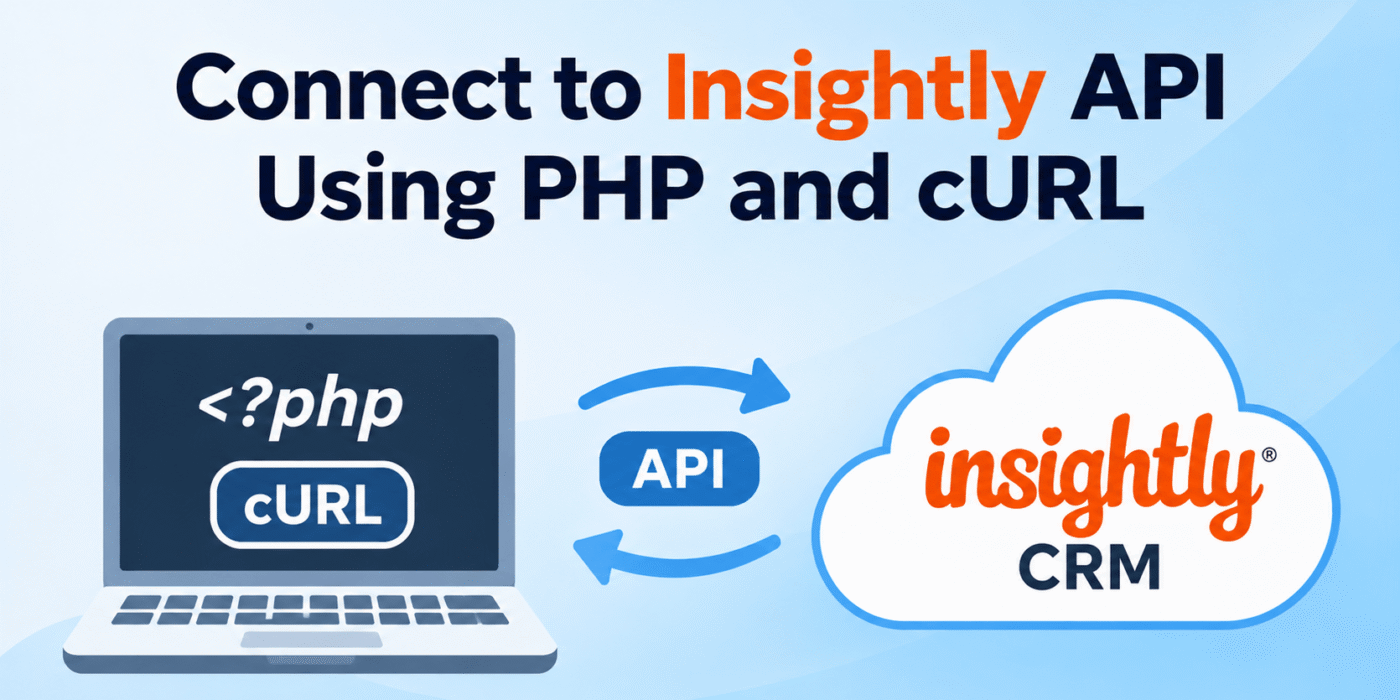
Insightly is a customer relationship management (CRM) platform that helps businesses manage contacts, leads, organizations, opportunities, and projects. If you want to connect your website or PHP application to Insightly, you can use its REST API.
PHP and cURL make it possible to send HTTP requests to the Insightly API, retrieve CRM records, and perform operations such as creating, updating, and deleting contacts.
In this tutorial, we’ll explain how to authenticate with the Insightly API using an API key and PHP cURL. We’ll also show you how to retrieve existing contacts and create a new contact.
1. Find Your Insightly API Key and API URL
Before making API requests, you need your Insightly API key and the API URL associated with your account.
Follow these steps to find them:
- Log in to your Insightly CRM account.
- Click your user profile icon in the top-right corner.
- Open User Settings.
- Find the API section.
- Copy your API key and the API URL displayed below it.
Your API URL depends on your Insightly data center or pod. For example, an API URL may look like this:
https://api.na1.insightly.com/v3.1/
Use the exact API URL shown in your own account rather than assuming that every Insightly account uses the same server.
You can find additional instructions in the official Insightly Web API guide.
2. Understand Insightly API Authentication
Insightly uses HTTP Basic Authentication to authorize API requests. Your API key is used as the username, and the password is left blank.
For a PHP cURL request, you can generate the required Authorization header using base64_encode():
$api_key = 'YOUR_INSIGHTLY_API_KEY';

$authorization = 'Basic ' . base64_encode( $api_key . ':' );
The colon is important because it represents the blank password in Basic Authentication. Do not add the raw API key directly after the word Basic.
Keep your API key private. Do not expose it in frontend JavaScript, public repositories, or publicly accessible files.
3. Retrieve Contacts From Insightly Using PHP and cURL
Once you have your API key and API URL, you can send a GET request to the Contacts endpoint to retrieve contact records.
The endpoint for listing contacts in API version 3.1 is:
GET https://api. {
	pod
}
.insightly.com/v3.1/Contacts
Replace {pod} with the pod used in your account. The following PHP example demonstrates how to retrieve contacts:
<?php

$api_key = 'YOUR_INSIGHTLY_API_KEY';
$api_url = 'https://api.na1.insightly.com/v3.1';

$endpoint = trailingslashit( $api_url ) . 'Contacts';

$headers = array(
    'Authorization: Basic ' . base64_encode( $api_key . ':' ),
    'Accept: application/json',
);

$ch = curl_init();

curl_setopt_array(
    $ch,
    array(
        CURLOPT_URL => $endpoint,
        CURLOPT_RETURNTRANSFER => true,
        CURLOPT_HTTPHEADER => $headers,
        CURLOPT_TIMEOUT => 30,
    )
);

$response = curl_exec( $ch );

if ( $response === false ) {
    echo 'cURL Error: ' . curl_error( $ch );
    curl_close( $ch );
    exit;
}

$status_code = curl_getinfo( $ch, CURLINFO_HTTP_CODE );

curl_close( $ch );

if ( $status_code < 200 || $status_code >= 300 ) {
    echo 'API request failed. HTTP Status: ' . $status_code;
    echo '<pre>' . htmlspecialchars( $response, ENT_QUOTES, 'UTF-8' ) . '</pre>';
    exit;
}

$data = json_decode( $response, true );

if ( json_last_error() !== JSON_ERROR_NONE ) {
    echo 'Invalid JSON response: ' . json_last_error_msg();
    exit;
}

echo '<pre>';
print_r( $data );
echo '</pre>';

?>
In this example:
curl_init()initializes a cURL session.CURLOPT_URLspecifies the Insightly Contacts endpoint.CURLOPT_HTTPHEADERsends the authentication and response headers.CURLOPT_RETURNTRANSFERreturns the API response as a string.curl_exec()executes the request.curl_getinfo()retrieves the HTTP response status.json_decode()converts the JSON response into a PHP array.
The example uses a sample API URL. Replace it with the API URL displayed in your Insightly User Settings.
4. Create a New Contact in Insightly Using PHP cURL
You can also use the Insightly API to create new contact records. To do this, send a POST request to the Contacts endpoint with the contact information in JSON format.
For example, the following code creates a contact with a first name and last name:
<?php

$api_key = 'YOUR_INSIGHTLY_API_KEY';
$api_url = 'https://api.na1.insightly.com/v3.1';

$endpoint = trailingslashit( $api_url ) . 'Contacts';

$headers = array(
    'Authorization: Basic ' . base64_encode( $api_key . ':' ),
    'Content-Type: application/json',
    'Accept: application/json',
);

// Contact information.
$new_contact = array(
    'FIRST_NAME' => 'John',
    'LAST_NAME'  => 'Doe',
    'EMAIL_ADDRESS' => 'john@example.com',
);

// Convert the contact data into JSON.
$payload = json_encode( $new_contact );

if ( $payload === false ) {
    exit( 'Unable to encode contact data.' );
}

$ch = curl_init();

curl_setopt_array(
    $ch,
    array(
        CURLOPT_URL => $endpoint,
        CURLOPT_RETURNTRANSFER => true,
        CURLOPT_HTTPHEADER => $headers,
        CURLOPT_POST => true,
        CURLOPT_POSTFIELDS => $payload,
        CURLOPT_TIMEOUT => 30,
    )
);

$response = curl_exec( $ch );

if ( $response === false ) {
    echo 'cURL Error: ' . curl_error( $ch );
    curl_close( $ch );
    exit;
}

$status_code = curl_getinfo( $ch, CURLINFO_HTTP_CODE );

curl_close( $ch );

if ( $status_code < 200 || $status_code >= 300 ) {
    echo 'Contact creation failed. HTTP Status: ' . $status_code;
    echo '<pre>' . htmlspecialchars( $response, ENT_QUOTES, 'UTF-8' ) . '</pre>';
    exit;
}

$result = json_decode( $response, true );

echo '<pre>';
print_r( $result );
echo '</pre>';

?>
Here, CURLOPT_POST tells cURL to send a POST request, while CURLOPT_POSTFIELDS provides the JSON data to send to Insightly.
The contact fields in the example use Insightly API field names, such as FIRST_NAME, LAST_NAME, and EMAIL_ADDRESS. Check the API documentation for the supported fields and requirements for your account.
5. Understand the Insightly API Response
After sending a request, Insightly returns an HTTP status code and a response body. The response usually contains JSON data describing the requested records or the result of the operation.
Always check both the HTTP status code and the response body. A successful cURL execution does not necessarily mean that the API request succeeded. For example, an authentication problem may return an HTTP 401 response even though cURL executed the request successfully.
Some common HTTP status codes you may encounter include:
- 200: The request was successful.
- 201: A record was created successfully.
- 400: The request contains invalid data or parameters.
- 401: Authentication failed or the API key is invalid.
- 403: The authenticated user does not have permission to perform the requested operation.
- 429: The API rate limit has been reached.
If you receive an error, check your API key, API URL, request method, JSON payload, and user permissions. You can also use the Insightly API documentation to review the available endpoints and expected request formats.
6. Important Tips When Working With the Insightly API
Before using your integration in a live application, keep the following points in mind:
- Protect your API key: Store it in a secure server-side configuration file or environment variable.
- Use the correct API URL: Your account’s pod-specific API URL is available in User Settings.
- Use HTTPS: Send all API requests over a secure HTTPS connection.
- Validate input: Validate and sanitize data before sending it to Insightly.
- Handle errors: Check cURL errors, HTTP status codes, and API response messages.
- Respect rate limits: Monitor the rate-limit headers returned by the API and avoid unnecessary requests.
- Use the current API version: The examples in this guide use API version 3.1. Review the official documentation before building a new integration.
Conclusion
PHP and cURL provide a straightforward way to connect your application to the Insightly CRM API. By using Basic Authentication with your Insightly API key, you can retrieve contact records and create new contacts through simple HTTP requests.
You can extend these examples to work with other Insightly resources, including leads, organizations, opportunities, and projects. Always refer to the official API documentation for the correct endpoint, supported fields, and request format for each operation.