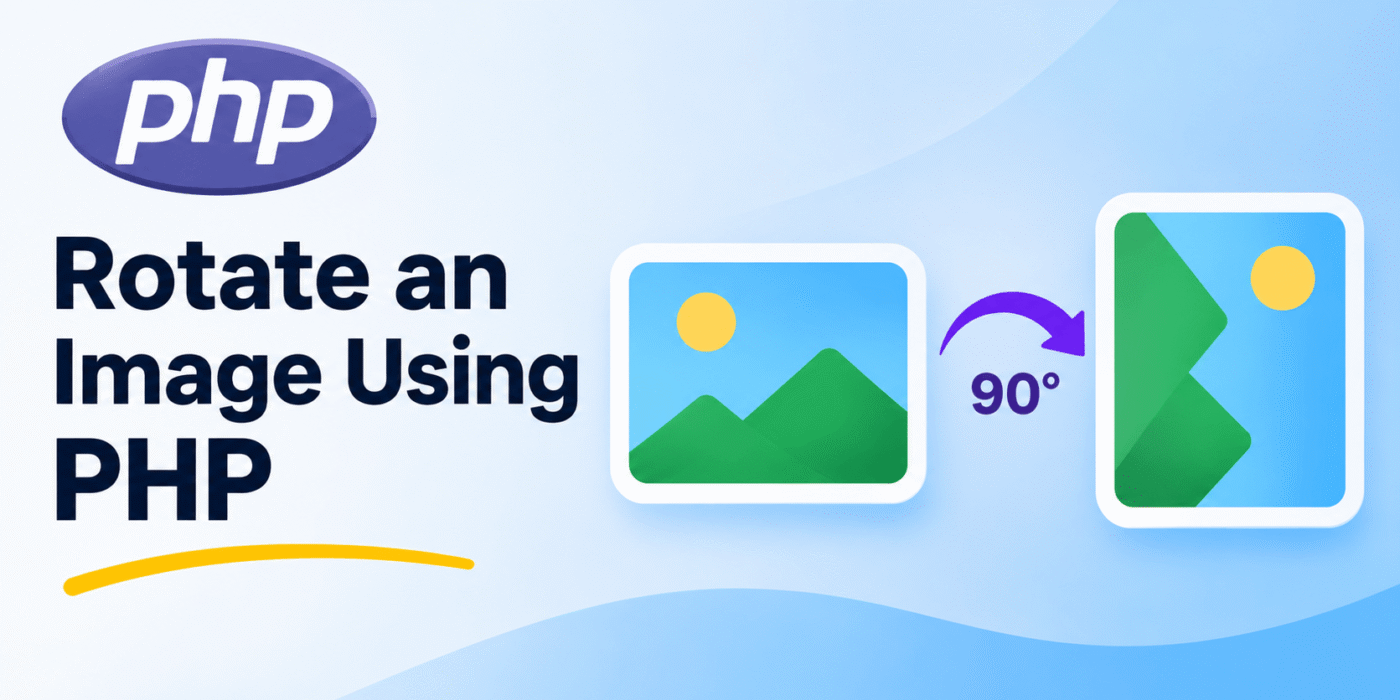
Image rotation is a common requirement in web applications. You may need to rotate an uploaded image, correct its orientation, or allow users to change how an image is displayed.
PHP provides image manipulation functions through the GD extension. One of the most useful functions for this task is imagerotate(), which rotates an image by a specified angle.
In this tutorial, you will learn how to rotate JPEG, PNG, and GIF images using PHP. We will create a reusable function that accepts an image path and rotation angle, then saves the rotated image.
PHP Functions Used to Rotate an Image
PHP provides several GD functions for loading, rotating, and saving images. The main functions used in this example are:
imagecreatefromjpeg(): Creates an image from a JPEG file.imagecreatefrompng(): Creates an image from a PNG file.imagecreatefromgif(): Creates an image from a GIF file.imagerotate(): Rotates an image by a specified angle.imagejpeg(): Saves an image as a JPEG file.imagepng(): Saves an image as a PNG file.imagegif(): Saves an image as a GIF file.imagedestroy(): Frees image memory when it is no longer needed.
Before using these functions, make sure the PHP GD extension is installed and enabled on your server.
1. Create a PHP Function to Rotate an Image
We can create one reusable function that accepts two parameters:
- $filename: The path to the image that needs to be rotated.
- $degrees: The rotation angle. The default value in this example is 90 degrees.
The function checks the image extension, loads the appropriate image type, rotates it, and saves the result to the original file path.
function geekerhub_rotate_image( $filename, $degrees = 90 ) {

    if ( ! is_file( $filename ) || ! is_readable( $filename ) ) {
        return false;
    }

    $extension = strtolower(
        pathinfo( $filename, PATHINFO_EXTENSION )
    );

    // Load the image based on its extension.
    switch ( $extension ) {

        case 'jpg':
        case 'jpeg':
            $source = imagecreatefromjpeg( $filename );
            break;

        case 'png':
            $source = imagecreatefrompng( $filename );
            break;

        case 'gif':
            $source = imagecreatefromgif( $filename );
            break;

        default:
            return false;
    }

    if ( ! $source ) {
        return false;
    }

    // Set the background color for the rotated image.
    if ( 'png' === $extension ) {

        // Preserve transparency for PNG images.
        imagealphablending( $source, false );

        imagesavealpha( $source, true );

        $background = imagecolorallocatealpha(
            $source,
            0,
            0,
            0,
            127
        );

    } else {

        // Use white as the background for JPEG and GIF.
        $background = imagecolorallocate(
            $source,
            255,
            255,
            255
        );
    }

    // Rotate the image.
    $rotated = imagerotate(
        $source,
        $degrees,
        $background
    );

    if ( ! $rotated ) {
        imagedestroy( $source );
        return false;
    }

    // Preserve PNG transparency when saving.
    if ( 'png' === $extension ) {
        imagealphablending( $rotated, false );
        imagesavealpha( $rotated, true );
    }

    // Save the rotated image in its original format.
    switch ( $extension ) {

        case 'jpg':
        case 'jpeg':
            $saved = imagejpeg( $rotated, $filename, 90 );
            break;

        case 'png':
            $saved = imagepng( $rotated, $filename );
            break;

        case 'gif':
            $saved = imagegif( $rotated, $filename );
            break;
    }

    // Free image memory.
    imagedestroy( $source );
    imagedestroy( $rotated );

    return $saved;
}
The function supports JPEG, PNG, and GIF files. It also preserves PNG transparency by using an alpha-enabled background during rotation.
For JPEG and GIF images, the example uses a white background for the newly exposed areas created by rotation. If you need to preserve transparent GIF backgrounds, additional palette transparency handling may be required.
2. Rotate an Image by 90, 180, or 270 Degrees
Once the function is available, you can rotate an image by passing its file path and the required angle.
For example, rotate an image by 180 degrees:
$image_path = '/path/to/uploads/product-image.png';

$result = geekerhub_rotate_image(
    $image_path,
    180
);

if ( $result ) {
    echo 'Image rotated successfully.';
} else {
    echo 'Unable to rotate the image.';
}
You can change the angle depending on your requirement:
90: Rotates the image 90 degrees counterclockwise.180: Rotates the image by 180 degrees.270: Rotates the image 270 degrees counterclockwise, equivalent to 90 degrees clockwise.
PHP’s imagerotate() function uses counterclockwise rotation for positive angle values. It also creates a new image with dimensions adjusted to fit the rotated result.
3. Rotate an Image Without Overwriting the Original
The previous example saves the rotated image to the same file path, replacing the original image. If you want to keep the original file, copy it to a new filename first and rotate the copy.
$original_image = '/path/to/uploads/product-image.png';

$rotated_image = '/path/to/uploads/product-image-rotated.png';

if ( copy( $original_image, $rotated_image ) ) {

    $result = geekerhub_rotate_image(
        $rotated_image,
        90
    );

    if ( $result ) {
        echo 'Rotated image saved successfully.';
    } else {
        echo 'Image rotation failed.';
    }

} else {

    echo 'Unable to copy the original image.';
}
This approach keeps the original image unchanged and saves the rotated version separately. Make sure the destination directory exists and PHP has permission to write to it.
Important Notes
- GD extension: The PHP GD extension must be enabled for the image functions to work.
- Supported formats: The example supports JPEG, PNG, and GIF images. Other formats require their own loading and saving functions.
- Image quality: The JPEG example saves the image with a quality setting of 90. You can adjust this value as needed.
- Transparency: PNG transparency is preserved in the example. GIF transparency may need additional handling depending on the source image.
- File permissions: PHP must have permission to read the source image and write to the destination file.
- Original image: The main function overwrites the source file. Make a backup or use a separate destination path if you need to keep the original.
- Image validation: For images uploaded by users, validate the file type and dimensions before processing. Do not rely only on the filename extension.
You can find more details about PHP image manipulation in the official PHP GD documentation.
Conclusion
PHP makes it straightforward to rotate images using the GD extension. By combining functions such as imagecreatefromjpeg(), imagecreatefrompng(), imagecreatefromgif(), and imagerotate(), you can build a reusable image rotation function.
You can use this function to rotate uploaded images, process product images, or add image editing functionality to your web application. Remember to check file permissions and preserve the original image if you do not want it overwritten.