Running a WordPress website today is not just about writing content and installing plugins. It takes time, effort, and consistency.
But what if you could automate most of the work?
That’s where AI (Artificial Intelligence) comes in.
From writing blog posts to improving SEO, designing pages, and even replying to customers — AI can handle it all.
In this guide, you will learn:
- How to use AI in WordPress website
- Best AI tools and plugins
- Real examples for beginners and businesses
- Smart ways to save time and increase conversions
What is AI in WordPress?
AI in WordPress means using smart tools that can:
- Generate content
- Improve SEO
- Design layouts
- Automate tasks
- Chat with users
These tools learn from data and help you work faster and smarter.
👉 Example: Instead of writing a blog manually, AI can generate a full article in minutes.
Benefits of Using AI in WordPress Website
Using AI is not just a trend — it’s a productivity boost.
Key Benefits:
- ⏱ Save time on content creation
- 📈 Improve SEO rankings
- 🎯 Better user experience
- 🤖 Automate repetitive tasks
- 💰 Increase conversions
👉 Real Example:
A small eCommerce store used AI chatbots and increased sales by 25% by answering customer queries instantly.
How to Use AI in WordPress Website
1. Use AI for Content Creation
Content is the backbone of any website.
AI tools can help you:
- Generate blog posts
- Write product descriptions
- Create headlines
- Rewrite content
Popular Tools:
- ChatGPT
- Jasper AI
- Copy.ai
👉 Example:
You can generate a 1500-word SEO blog in minutes instead of hours.
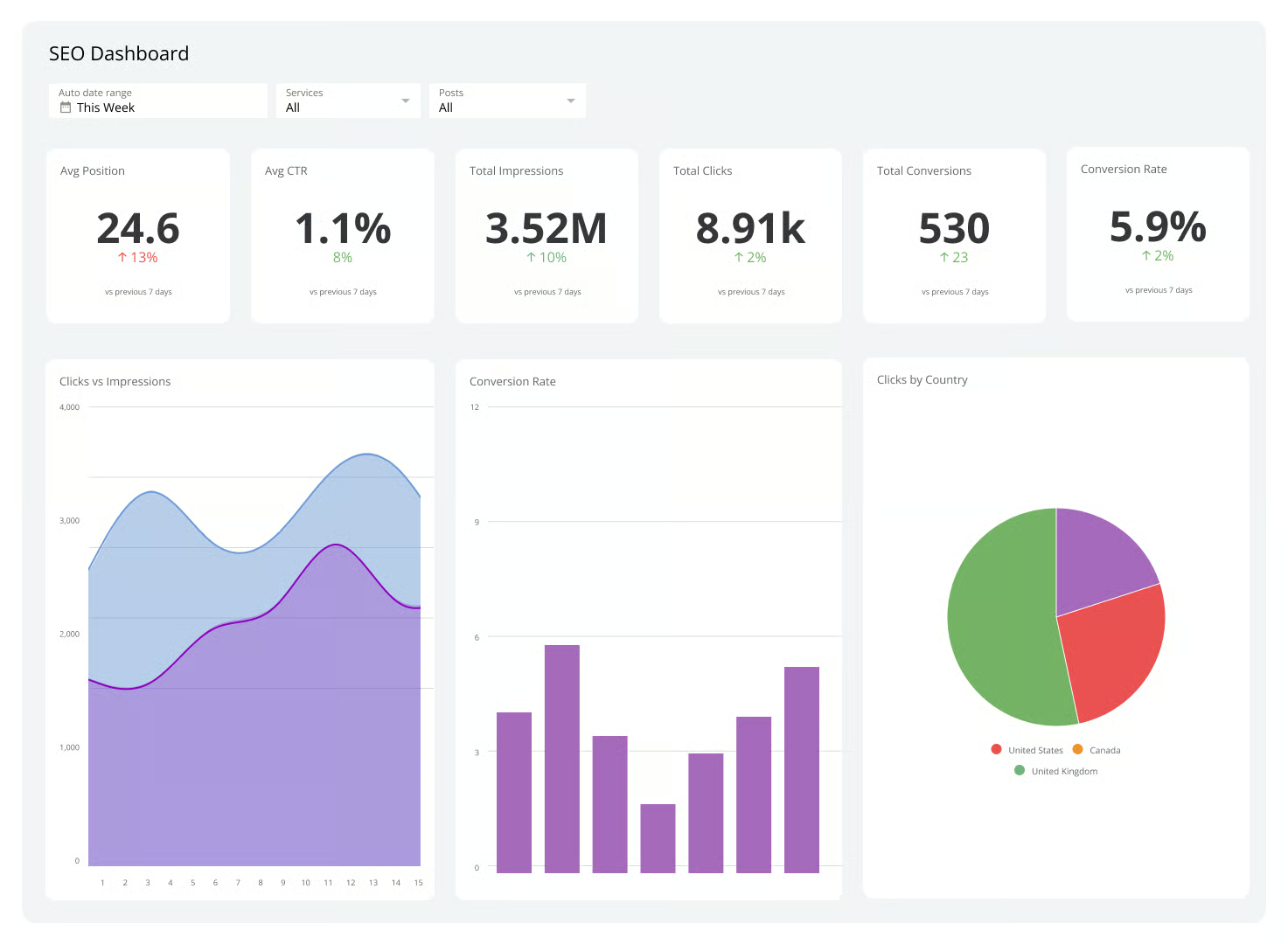
2. Use AI for SEO Optimization
SEO is important but can be complex.
AI makes it easier by:
- Suggesting keywords
- Optimizing meta tags
- Improving readability
- Analyzing competitors
Popular Plugins:
- Rank Math AI
- Yoast SEO AI
👉 Example:
AI suggests adding keywords like “AI WordPress tools” to improve ranking.
3. Use AI for Website Design
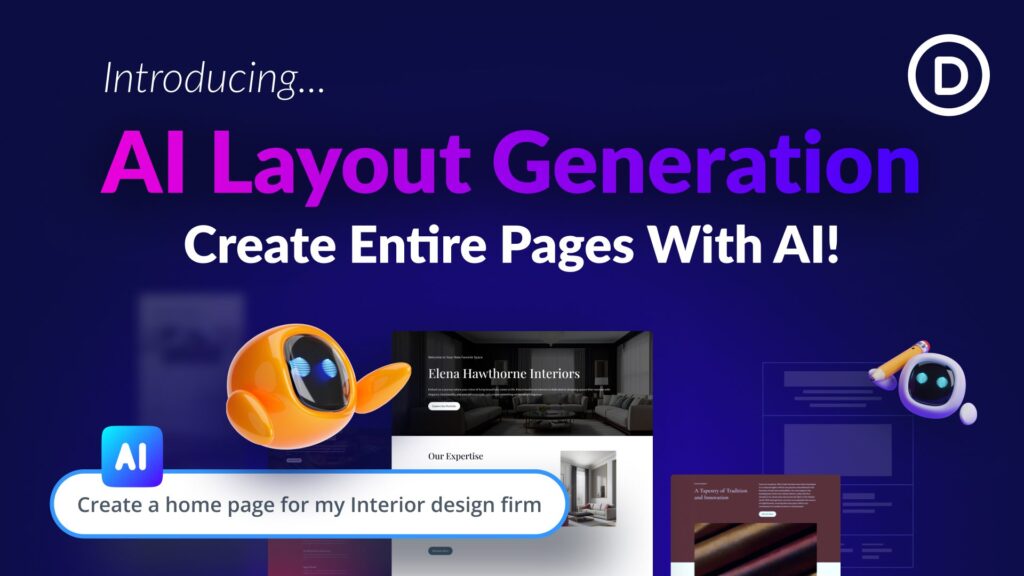
Not good at design? No problem.
AI tools can:
- Generate layouts
- Suggest color schemes
- Create landing pages
Popular Tools:
- Elementor AI
- Divi AI
👉 Example:
You can create a homepage design in minutes without coding.
4. Use AI Chatbots for Customer Support
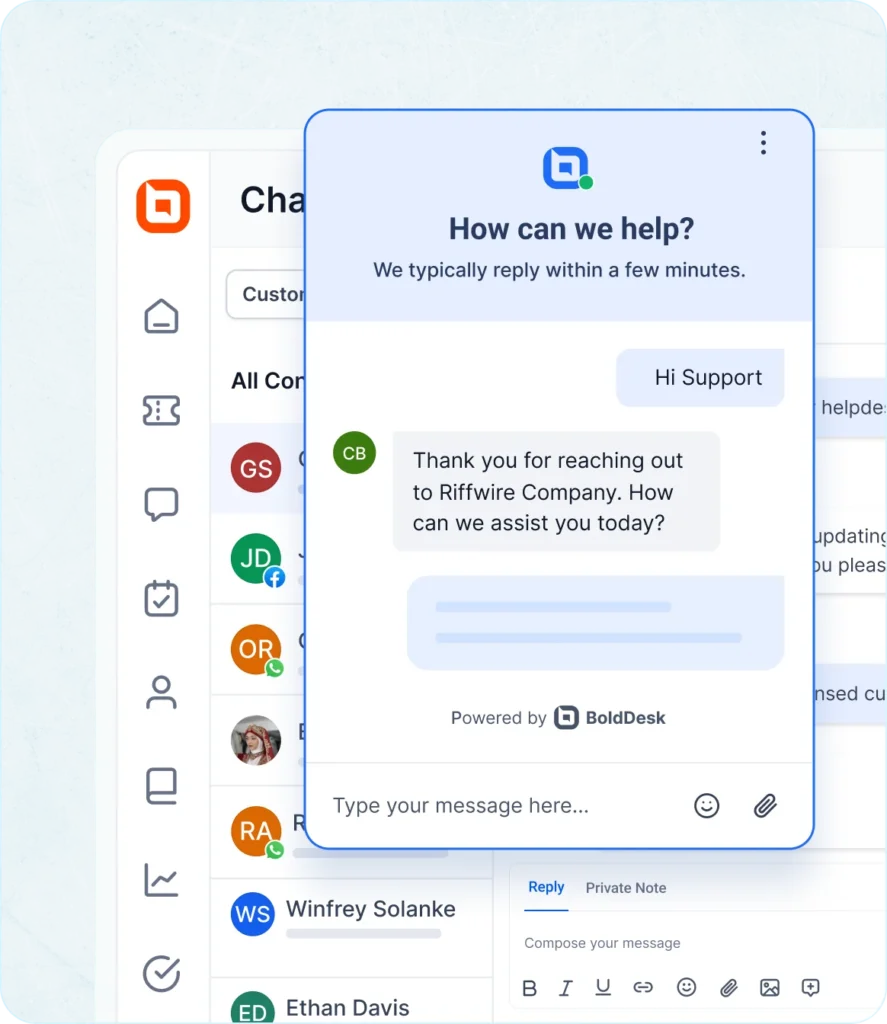
AI chatbots can handle users 24/7.
They can:
- Answer questions
- Recommend products
- Capture leads
Popular Tools:
- Tidio AI
- WP-Chatbot
👉 Example:
A chatbot can instantly reply to “What is your price?” even at midnight.
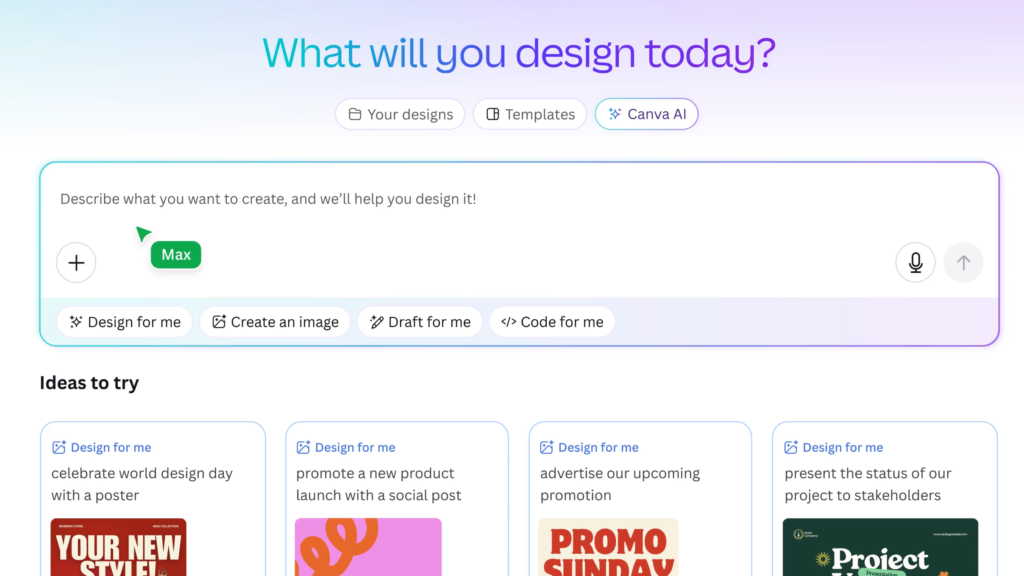
5. Use AI for Image & Media Generation
AI can create visuals without designers.
You can generate:
- Blog images
- Thumbnails
- Product mockups
Popular Tools:
- DALL·E
- Canva AI
Best AI Plugins for WordPress
Here are some top AI plugins you can start with:
- AI Engine – Chatbot + content generator
- Rank Math AI – SEO automation
- Elementor AI – Design & content
- Tidio AI – Chat support
- Bertha AI – Copywriting
👉 Tip: Start with 1–2 plugins to avoid overload.
Real-World Use Cases
For Beginners:
- Write blogs faster
- Create simple website designs
- Improve SEO basics
For Businesses:
- Automate customer support
- Generate marketing content
- Improve conversion rates
For Developers:
- Generate code snippets
- Debug faster
- Build AI-powered features
Future of AI in WordPress
AI is growing fast.
In the future, you can expect:
- Fully automated websites
- Smart personalization
- Voice-based interactions
- AI-driven eCommerce
FAQs
1. Is AI safe to use in WordPress?
Yes, AI tools are safe if you use trusted plugins and review outputs.
2. Can AI replace human content writers?
No. AI helps speed up work, but human creativity is still important.
3. Which is the best AI plugin for WordPress?
Rank Math AI and Elementor AI are great starting points.
4. Is AI good for SEO?
Yes, AI helps with keyword optimization and content improvement.
5. Do I need coding knowledge to use AI?
No, most AI tools are beginner-friendly.