Introduction
Coupons are not only for giving discounts.
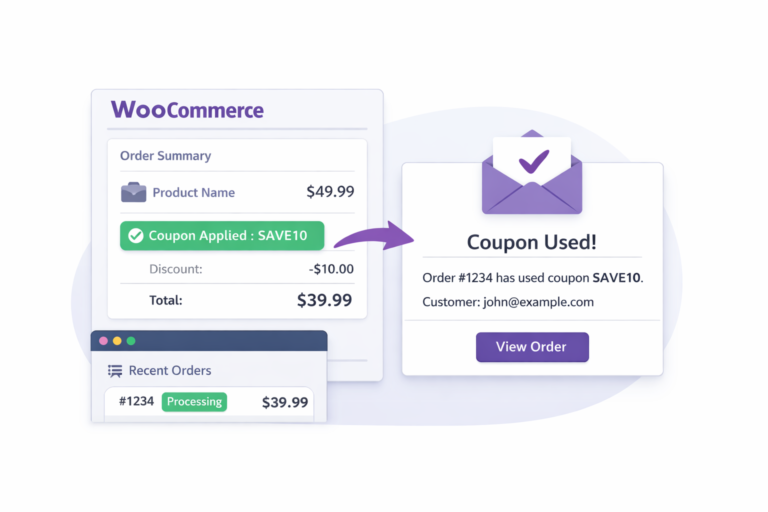
They are also used for affiliate tracking, marketing campaigns, internal offers, or even manual workflows that need attention. But the problem is — WooCommerce does not send any notification when a coupon is actually used in an order.
Because of this, you may miss important actions or updates.
This solution helps you fix that easily.
With a simple code setup, you can send an email whenever a specific coupon is used during checkout. You can notify yourself, your team, or even an affiliate when their code is applied.
The process is simple and lightweight. It runs only after the order is completed, so it does not affect your store performance.
You can also customize it based on your needs — track one coupon or multiple, change email recipients, and adjust the message.
If you use coupons for tracking or workflow purposes, this gives you clear and instant updates without using extra plugins.
How It Works
The logic is very simple:
- Order is completed
- Check if coupon exists
- If yes → send email
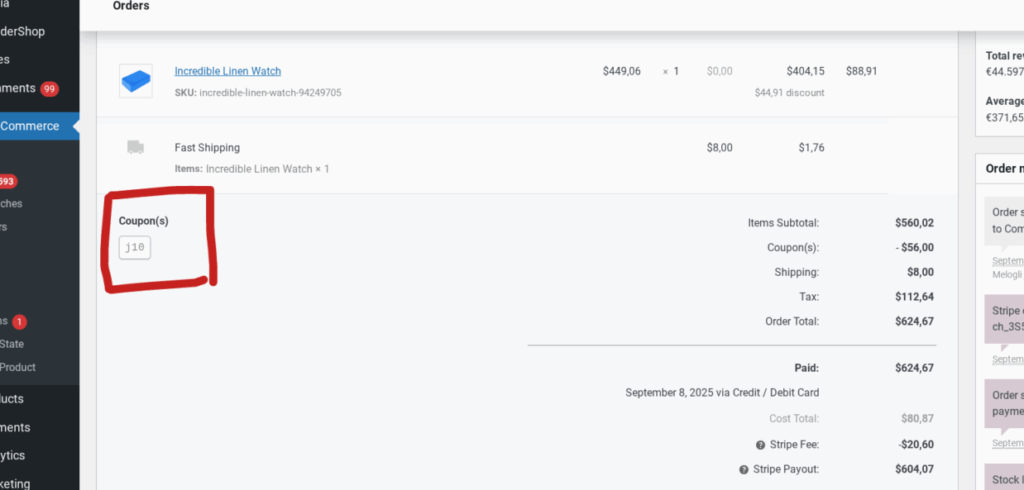
This works because WooCommerce lets you hook into the order process and check coupon usage.
Add This Code
Add this code in your theme’s functions.php file or a custom plugin.
add_action( 'woocommerce_order_status_completed', 'send_email_when_coupon_used' );

function send_email_when_coupon_used( $order_id ) {

    if ( ! $order_id ) return;

    $order = wc_get_order( $order_id );

    if ( ! $order ) return;

    foreach ( $order->get_used_coupons() as $coupon_code ) {

        if ( strtolower( $coupon_code ) === 'xyz123' ) { // change coupon here

            $to = 'your@email.com';
            $subject = 'Coupon Used in Order #' . $order_id;

            $message = "Order #" . $order_id . " used coupon xyz123.\n";
            $message .= "Customer: " . $order->get_billing_first_name() . "\n";
            $message .= "Total: " . $order->get_total();

            wp_mail( $to, $subject, $message );

            break;
        }
    }
}
Small Custom Changes
You can easily adjust it:
Change Email
$to = 'admin@email.com';
Use Multiple Coupons
if ( in_array( $coupon_code, ['abc10', 'sale20'] ) )
Send More Details
$message .= "Email: " . $order->get_billing_email();
FAQs
Yes, remove the coupon condition and it will trigger for every coupon.
Yes, use multiple email addresses in $to.
Yes, it checks all coupons used in the order.
Yes, you can use different hooks like checkout processed.