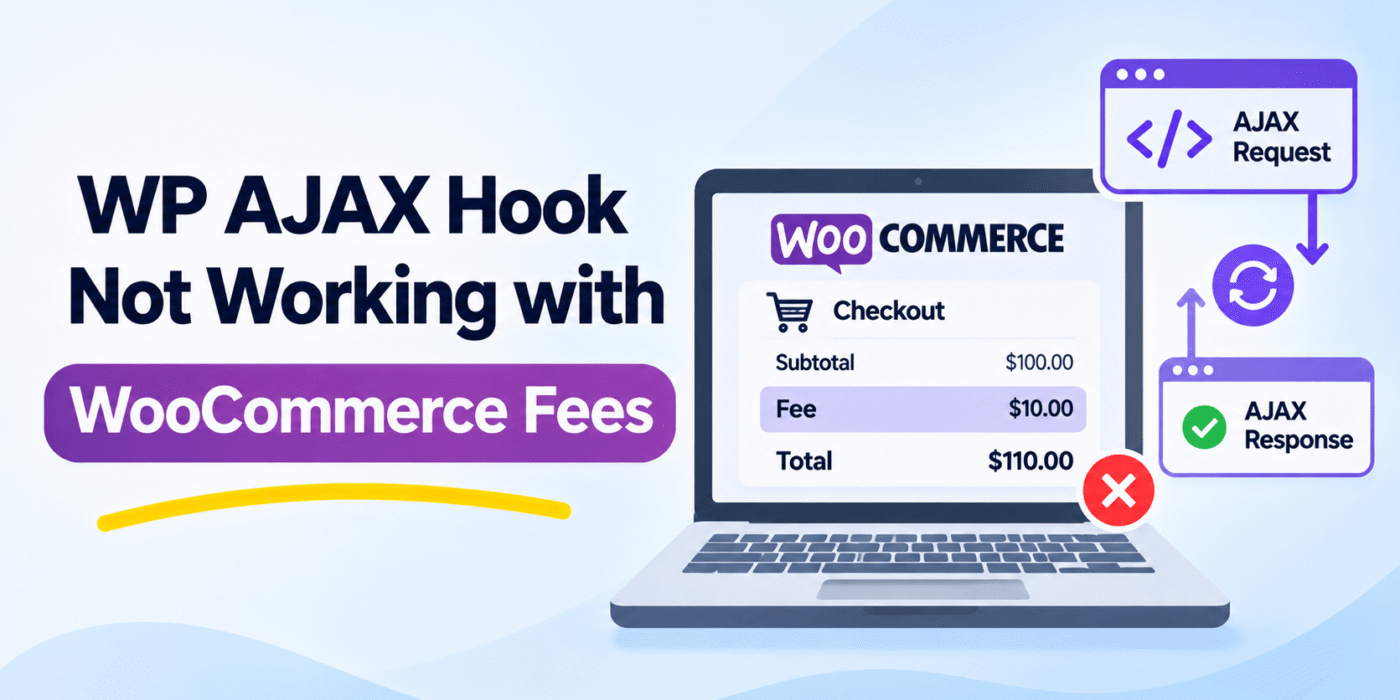
Are you using AJAX to apply a discount or additional fee in WooCommerce, but the fee never appears in the cart? You may have added the woocommerce_cart_calculate_fees hook inside an AJAX callback and expected it to run when WooCommerce calculates the cart totals.
The problem is that an AJAX request is a separate server request. Hooks registered inside that callback are available only during that request. They are not automatically registered during a later checkout or cart calculation request.
In this tutorial, you’ll learn why this happens, how to separate AJAX validation from fee calculation, and how to pass the result to WooCommerce so the discount can be applied during cart calculations.
The Problem: WooCommerce Fees Are Not Applied After AJAX
You might have code similar to this:
add_action( 'wp_ajax_test', 'test' );
add_action( 'wp_ajax_nopriv_test', 'test' );

function test() {

    add_action(
        'woocommerce_cart_calculate_fees',
        'add_custom_fees'
    );
}

function add_custom_fees( $cart ) {

    $discount = $cart->get_subtotal() * 0.2;

    $cart->add_fee( 'Discount', -$discount );
}
The AJAX callback runs, but the discount does not appear in the cart or checkout.
The issue is not necessarily the fee hook itself. The hook is registered only when the AJAX callback executes. If WooCommerce calculates the cart during a separate request, that registration is gone.
Why the wp_ajax Hook Does Not Work as Expected
WordPress processes AJAX requests separately from normal page requests. Each request loads WordPress and executes its own hooks.
For example, when a customer selects a discount option, the sequence may look like this:
- The browser sends an AJAX request to WordPress.
- The
wp_ajax_*callback runs. - Your callback registers the WooCommerce fee hook.
- The AJAX request finishes.
- WooCommerce later recalculates the cart in another request.
- The fee callback is not registered in that new request unless it is registered again during that request.
Registering a hook inside an AJAX callback does not make it permanent. WordPress does not automatically carry that hook registration into future requests.
The Correct Approach
Use AJAX to validate the customer’s selection or check whether a discount is available. Then save the result in a suitable location, such as the WooCommerce session, and register the fee calculation hook outside the AJAX callback.
The fee callback can then read the saved state whenever WooCommerce recalculates the cart.
Step 1: Register the WooCommerce Fee Hook Normally
Register the fee callback at the top level of your plugin or child theme’s functions.php file. Do not register it inside the AJAX callback.
add_action(
    'woocommerce_cart_calculate_fees',
    'gh_apply_custom_discount'
);

function gh_apply_custom_discount( $cart ) {

    if ( is_admin() && ! wp_doing_ajax() ) {
        return;
    }

    if ( ! WC()->session ) {
        return;
    }

    // Check whether the discount was approved.
    $apply_discount = WC()->session->get( 'gh_discount_approved', false );

    if ( ! $apply_discount ) {
        return;
    }

    // Avoid applying a discount to an empty cart.
    if ( $cart->is_empty() ) {
        return;
    }

    // Calculate 20% of the product subtotal.
    $discount = $cart->get_subtotal() * 0.20;

    if ( $discount > 0 ) {
        $cart->add_fee(
            'Discount applied',
            -$discount,
            false
        );
    }
}
This callback is registered whenever WordPress loads the relevant code. When WooCommerce calculates the cart fees, it checks the saved session value and adds the discount if the value is enabled.
Note: This example calculates the discount from the cart’s product subtotal before tax and adds it as a non-taxable negative fee. If your discount should be taxable, should exclude certain products, or should be calculated after other discounts, adjust the calculation to match your store’s pricing rules.
Step 2: Use AJAX to Validate the Discount
Next, create an AJAX callback that checks whether the discount should be enabled. In this example, the callback stores the result in the WooCommerce session.
add_action(
    'wp_ajax_gh_check_discount',
    'gh_check_discount'
);

add_action(
    'wp_ajax_nopriv_gh_check_discount',
    'gh_check_discount'
);

function gh_check_discount() {

    if ( ! function_exists( 'WC' ) || ! WC()->session ) {
        wp_send_json_error(
            array( 'message' => 'WooCommerce session is unavailable.' )
        );
    }

    // Validate the request using a nonce.
    check_ajax_referer( 'gh_discount_nonce', 'nonce' );

    /*
     * Replace this example condition with your actual
     * discount eligibility rules.
     */
    $apply_discount = true;

    WC()->session->set(
        'gh_discount_approved',
        $apply_discount
    );

    wp_send_json_success(
        array(
            'discount_allowed' => $apply_discount,
        )
    );
}
This callback allows both logged-in and guest customers to make the request. It saves the result in the WooCommerce session, which can be read during subsequent requests associated with that session.
The example sets the result to true for demonstration purposes. Replace that line with your real validation logic, such as checking a selected option or verifying eligibility. Do not treat a client-side response alone as proof that a customer qualifies for a discount.
Step 3: Send the AJAX Request from the Frontend
Your frontend JavaScript must send the AJAX request to WordPress and include the nonce generated by PHP. For example, you can enqueue a JavaScript file and pass it the AJAX URL and nonce using wp_localize_script() or an equivalent script configuration method.
Here is an example of the JavaScript request, assuming the script has access to an object named ghDiscount containing ajaxUrl and nonce properties:
fetch( ghDiscount.ajaxUrl, {
    method: 'POST',
    headers: {
        'Content-Type': 'application/x-www-form-urlencoded; charset=UTF-8'
    },
    body: new URLSearchParams({
        action: 'gh_check_discount',
        nonce: ghDiscount.nonce
    })
} )
.then( response => response.json() )
.then( result => {
    if ( result.success && result.data.discount_allowed ) {
        console.log( 'Discount approved.' );
    } else {
        console.log( 'Discount not available.' );
    }
} )
.catch( error => {
    console.error( 'Could not validate the discount.', error );
} );
The JavaScript object must be created by your WordPress code and contain the correct AJAX URL and nonce. The request above demonstrates the validation flow; connect it to your actual checkout control or button.
Step 4: Refresh WooCommerce Cart Totals
After the AJAX request saves the approved state, WooCommerce needs to recalculate the cart so the fee callback can run and update the displayed totals.
For a classic WooCommerce checkout, you can trigger a checkout refresh after the validation request succeeds:
jQuery( document.body ).trigger( 'update_checkout' );
If you are working on the classic cart page, the refresh behavior may differ. WooCommerce Cart and Checkout Blocks also use different frontend events and extension mechanisms, so this classic checkout event should not be assumed to work with Blocks.
How the Complete Flow Works
- AJAX request: Checks whether the customer qualifies for the discount.
- WooCommerce session: Stores the approved discount state between requests.
- Fee hook: Runs during cart fee calculation and reads the saved state.
- Cart refresh: Requests updated totals so the discount can appear.
The key is that the fee hook is registered independently of the AJAX callback. AJAX saves the state; WooCommerce’s cart calculation applies the fee.
Common Mistakes to Avoid
- Registering the fee hook inside AJAX: The registration does not carry over to later requests.
- Keeping the result only in JavaScript: PHP cannot automatically read a browser variable during a later request. Store the relevant state server-side or submit and validate it again.
- Trusting a hidden field without validation: Customers can modify browser-submitted values. Validate discount eligibility on the server before applying a fee.
- Forgetting to refresh totals: A saved session value does not guarantee the checkout display updates immediately.
- Adding the fee more than once: The fee callback may run multiple times during a request. Calculate and add the fee in the callback without separately adding the same fee from AJAX.
- Ignoring tax and discount rules: Decide whether the discount is taxable and how it interacts with coupons, sale prices, and other fees.
Frequently Asked Questions
Why does the WooCommerce fee hook not work inside AJAX?
The hook is registered only during the AJAX request. When WooCommerce calculates fees during a later request, the callback is not registered unless the code registers it again.
Can an AJAX callback add a WooCommerce fee directly?
An AJAX callback can trigger cart calculations during its own request, but the result is not automatically preserved for future requests. To show a fee consistently, save the validated state and let the fee hook add the fee whenever WooCommerce recalculates the cart.
Which hook should I use for WooCommerce fees?
Use woocommerce_cart_calculate_fees to add cart fees or negative fees. Register the callback outside the AJAX handler so it is available during cart calculations.
Do I need JavaScript for this solution?
If the customer triggers validation through an AJAX interaction, JavaScript is needed to send the request and handle its response. The fee itself should still be calculated server-side by WooCommerce.
Will this work with WooCommerce Checkout Blocks?
The PHP fee calculation may run as part of WooCommerce cart calculations, but the classic checkout refresh event and custom frontend flow may not work with Checkout Blocks. Block-based checkout requires compatible integration and testing.
Conclusion
If your wp_ajax callback runs but a WooCommerce fee is missing, check where the fee hook is registered. Register woocommerce_cart_calculate_fees outside the AJAX callback, save any validated discount state in the WooCommerce session, and let WooCommerce calculate the fee during cart updates.
This separates AJAX validation from fee calculation and makes the discount available whenever WooCommerce recalculates the cart.